Install Fast Node Manager (fnm)

This article describes how to set node in dev-pc using fish or bash shell.
1. Download fnm
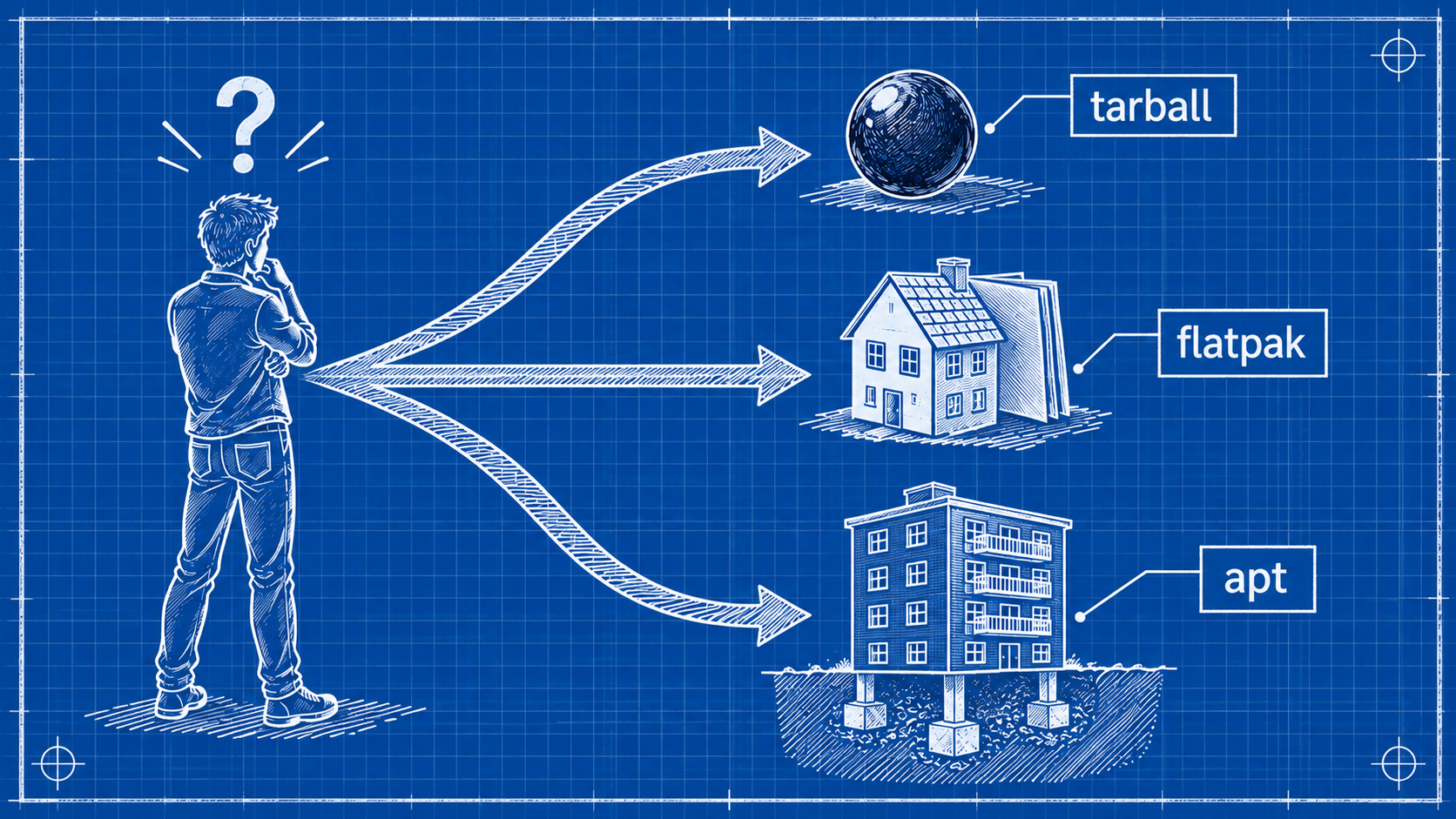
In your dev pc you need to be able to change node version easily for each of your projects. you can do that with fnm. whether or not you have node installed in dev-pc you can install it right from the start. (you need to have unzip installed)
curl -fsSL https://fnm.vercel.app/install | bash
2. Set Environment Variables
Now you have to set environment variables of your shell (bash, zsh, fish, etc).
For Fish
Edit ~/.config/fish/config.fish and add this to the end
set PATH $HOME/.fnm $PATH
fnm env | source
restart fish
exec fish
For Bash
update environment variables
source /<HOME-FOLDER>/.bashrc
3. Install Node
now you can install and use the node version you want. e.g.
fnm install 24
fnm use 24
install pnpm globally so its independent of the version of node you use
npm install -g pnpm
now in you project you can execute
pnpm install
pnpm run dev
That's the end. Keep an eye always ready to lean, dev-san.🥷
About the author
- Markdown + Vim fan. Love sharing knowledge with the community Dev-san, gambare! ᕙ( •̀ ᗜ •́ )👍
Comments
Join the discussionNo comments yet. Be the first to comment.